Find your equipment
Search by manufacturer or model and open the connection details for your monitor.
Connection guide
Start with your exact monitor model. Xchart’s catalog brings supported equipment, connection options, and available capabilities together so you can plan the setup.
Why it matters
Two monitors from the same manufacturer can have different connection requirements. Use the catalog entry for your model to understand the setup before choosing hardware or downloading software.
In practice
Search by manufacturer or model and open the connection details for your monitor.
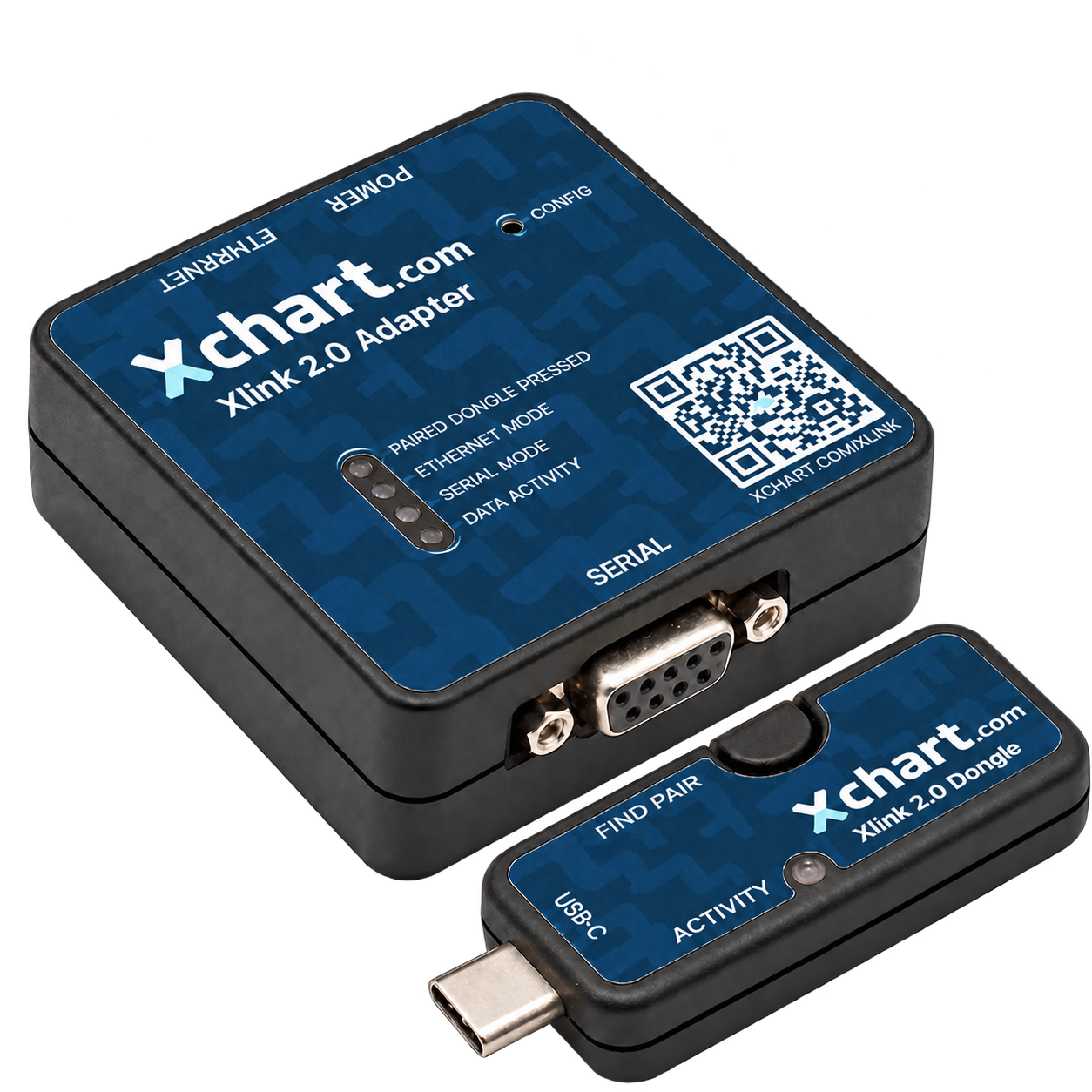
Check whether your model uses a cable, a network connection, or supported connectivity hardware, and follow its specific instructions.
Look for waveform capture compatibility and other connection details. Capabilities vary by model and connection option.
Take a closer look
Connection details and downloads serve different purposes. Start with the model-specific instructions; use the downloads page when those instructions call for an app or driver. If your monitor is not listed, contact Xchart before assuming it is supported or replacing it.
Find your monitorThe workflow
Confirm the manufacturer and exact model of your monitor.
Review supported connection options and the required equipment.
Follow the instructions and contact support if you need help with your setup.
The products behind the solution
Browse supported equipment and open model-specific connection details.
Explore Vitals MonitorsExplore connectivity hardware for compatible setups.
Explore XlinkSee the charting workflow that receives your monitor data.
Explore Xchart SuiteAlready using Xchart?
Changing monitors or troubleshooting a connection? Use the exact model’s instructions, then contact our team for help.